Best IPTV App for Samsung TV: The Ultimate Tizen OS Setup Guide
Samsung Smart TVs are globally recognized for their stunning QLED and OLED displays, deep contrast ratios, and intuitive user interfaces. However, when it comes to streaming IPTV natively, Samsung presents a unique challenge. Unlike Android TVs or Firesticks that allow you to easily sideload APKs, Samsung Smart TVs run on a proprietary operating system called Tizen OS. This means you are strictly limited to the applications officially hosted in the Samsung App Store.
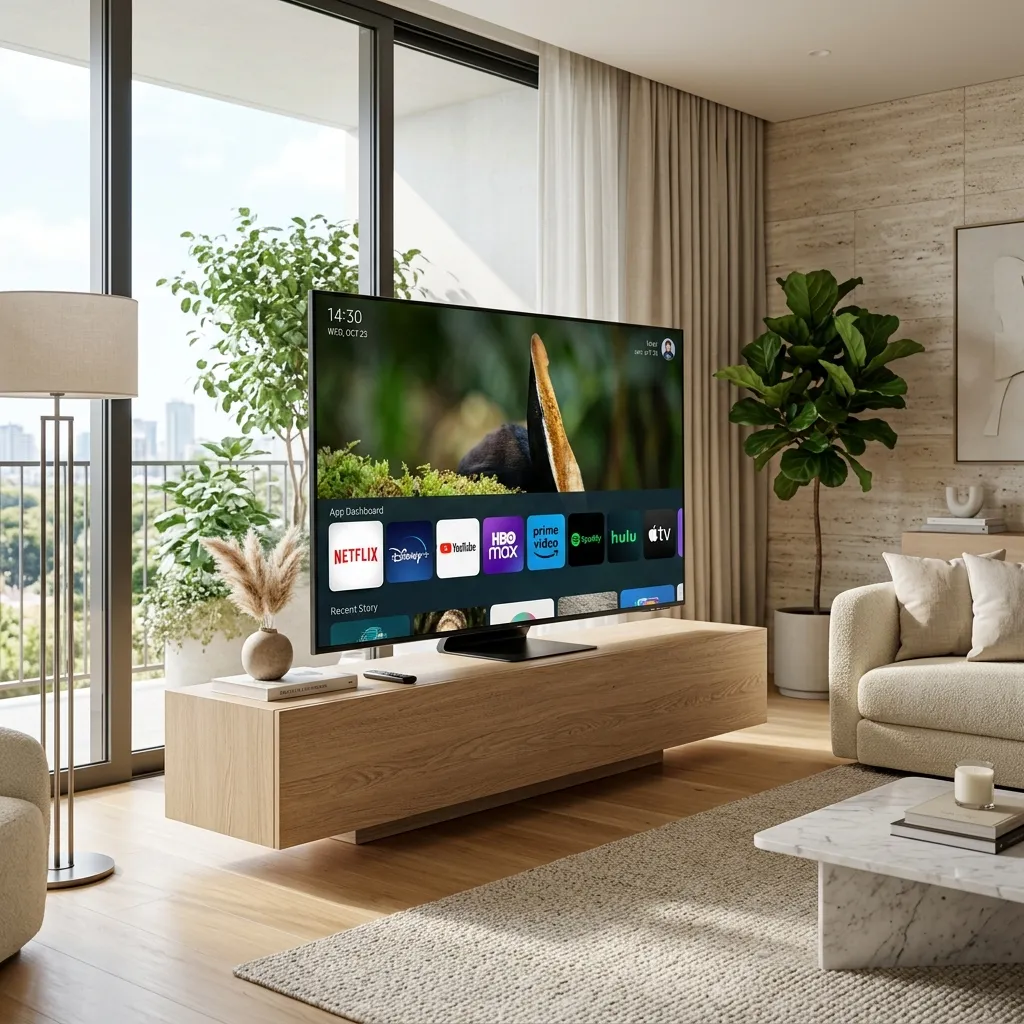
Figure 1: Navigating the Tizen OS App Store to find top IPTV players.
Because Apple and Samsung frequently purge IPTV apps due to licensing complaints, finding a reliable player can be frustrating. A poorly coded player on Tizen OS will lead to audio desync, video buffering, and crashing. To help you unlock the full potential of your television, we have extensively tested and ranked the options to find the best IPTV app for Samsung TV. When these apps are paired with the premium high-speed network from Ghost IPTV, your Samsung TV transforms into the ultimate cable replacement.
1. Ibo Player Pro (Rank #1 - The Best Overall)
Ibo Player Pro is currently the undisputed king of IPTV apps on Samsung Smart TVs. It was specifically engineered to run efficiently on Tizen OS, ensuring fast menu navigation and lightning-quick channel zapping. The interface is incredibly modern, resembling the native Netflix or Hulu applications, which makes it extremely user-friendly for all ages.
What makes Ibo Player the best IPTV app for Samsung TV is its powerful backend decoder. It handles native H.265 (HEVC) 4K streams effortlessly, making it the perfect companion for Ghost IPTV's live sports channels. Setup is a breeze: you simply note the Device MAC address displayed on the screen, log into their website, and upload your Xtream Codes or M3U playlist. Note that Ibo Player is a premium app requiring a small one-time activation fee after a 7-day free trial.
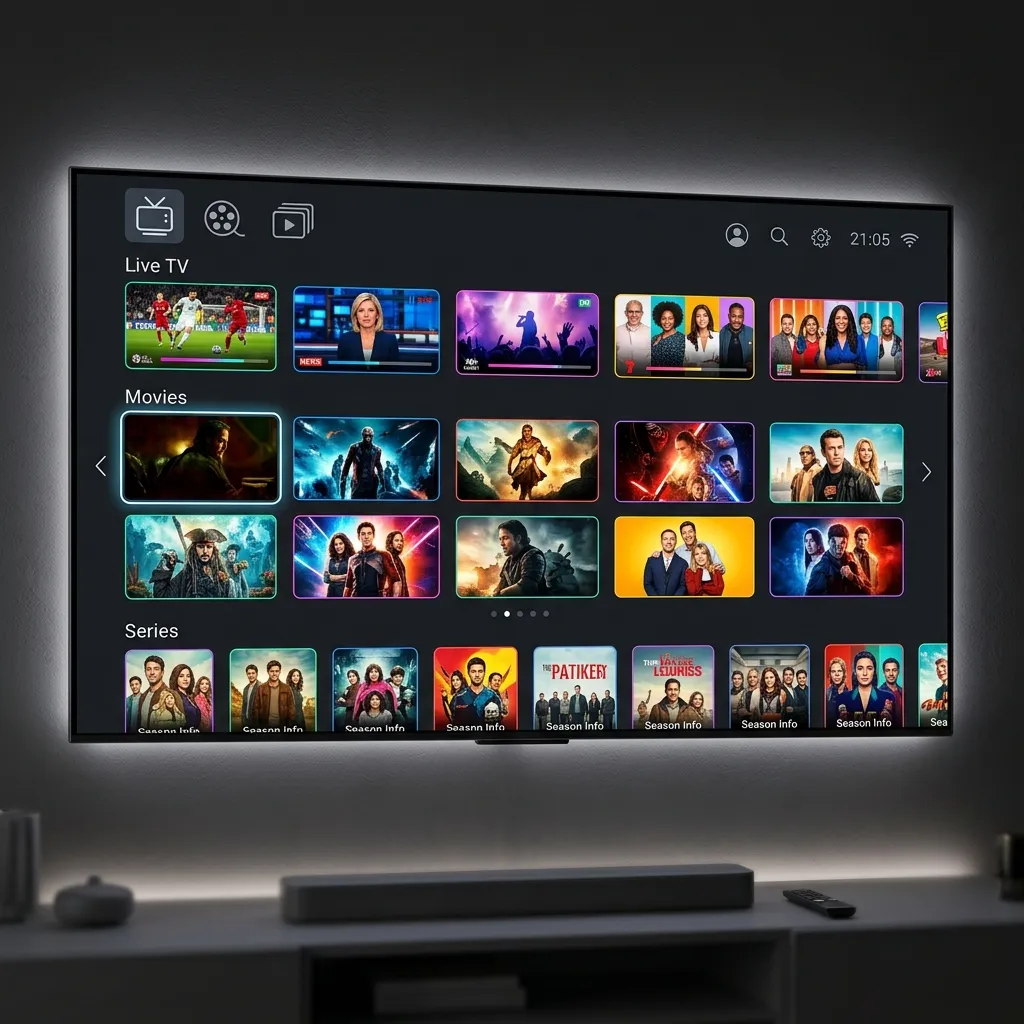
Figure 2: Ibo Player Pro's sleek, modern interface on a Samsung display.
2. IPTV Smarters Pro (Rank #2 - The Familiar Favorite)
If you have ever used IPTV on a Firestick or an Android phone, you are likely familiar with IPTV Smarters Pro. The good news is that Samsung has officially allowed Smarters back into their App Store in most regions. The app retains its classic three-box layout: Live TV, Movies, and Series.
Setting it up is highly intuitive. You simply select 'Login with Xtream Codes API' and enter your Ghost IPTV credentials (Username, Password, and Server URL). Because it relies on the API, your Electronic Program Guide (EPG) data syncs automatically. If you need step-by-step instructions on configuring this app, refer to our comprehensive IPTV Smarters Pro Setup Guide.
3. DuplexPlay (Rank #3 - The Veteran)
DuplexPlay was once the absolute best IPTV app for Samsung TV before it faced licensing issues in select regional stores. If it is available in your country's Samsung App Store, it remains a fantastic choice. The user interface is highly customizable, and it features one of the most robust EPG grids available on Tizen OS.
Like Ibo Player, DuplexPlay uses a MAC address authentication system. You visit their developer portal, enter your Device ID and Device Key, and upload your playlist URL. It provides buttery-smooth playback for VODs and includes excellent parental control features to lock adult channels or specific movie categories.
4. Smart IPTV (Rank #4 - The Lightweight Option)
Smart IPTV (SIPTV) is one of the oldest IPTV apps for smart televisions. It does not boast the flashy graphics or modern UI of Ibo Player, but it is incredibly lightweight. If you own an older Samsung Smart TV (pre-2019 models) with limited RAM, Smart IPTV is often the most stable option available.
The app focuses strictly on loading live streams fast. It doesn't categorize VODs and Series as beautifully as Smarters, but for purely watching live sports or news, it does the job flawlessly. If the app is missing from your TV's store, you can still manually install it using a USB drive by downloading the Tizen widget file from their official website.
Figure 3: Ensure your chosen app supports native 4K streaming capabilities.
5. Nanomid Player (Rank #5 - The Rising Star)
Nanomid Player is a relatively new entrant to the Tizen OS ecosystem but has quickly gained a reputation for its stability. It utilizes its own proprietary streaming engine which is highly resistant to stream drops and buffering—a crucial feature for those struggling with Wi-Fi interference. If you are experiencing general playback issues, we recommend reading our IPTV Buffering Fix Guide alongside using a robust player like Nanomid.
How to Install an IPTV App on Samsung Smart TV
Installing an app on your Samsung TV is straightforward if you stick to official apps. Press the 'Home' button on your Samsung remote, navigate left to the 'Apps' section, and select the Magnifying Glass (Search) icon in the top right corner. Type in the name of your desired player (e.g., 'Ibo Player' or 'Smarters'). Click on the app and select 'Install'.
Once installed, launch the app. Depending on the app you chose, you will either enter your Xtream Codes credentials directly on the TV (like with Smarters Pro) or you will note the MAC Address displayed on the screen and upload your playlist via the app developer's website on your smartphone or computer.
Conclusion: Supercharge Your Samsung Display
Your Samsung 4K television deserves a premium content source. Choosing the best IPTV app for Samsung TV is only the first step. To ensure you never miss a moment of the NFL, NBA, or Premier League, you need an IPTV provider with the infrastructure to back it up. Ghost IPTV utilizes a distributed Edge CDN to deliver 100% buffer-free live television. Visit our Homepage to learn more, select a Premium Subscription Plan today, or contact our team via WhatsApp Support for assistance configuring your Samsung TV.
Frequently Asked Questions
Can I install TiviMate on my Samsung Smart TV?
No. TiviMate is exclusively an Android application. Since Samsung TVs use Tizen OS, they cannot run Android APK files. If you desperately want to use TiviMate on a Samsung TV, you must purchase an external Android TV box or Amazon Firestick and plug it into your TV's HDMI port.
Why can't I find IPTV Smarters in the Samsung App Store?
Samsung periodically removes IPTV applications from their store due to regional licensing disputes. If an app is missing, you can sometimes find it by changing your TV's region settings to another country (like the US or UK), or you can manually sideload apps using a USB drive with Tizen widget files.
Is there a free IPTV app for Samsung TV?
Most premium IPTV apps on Samsung TVs, like Ibo Player and DuplexPlay, require a small one-time activation fee (usually around $5-$8) after a 7-day trial. IPTV Smarters Pro is generally free to download, though functionality may be limited without the pro upgrade.
How do I upload my M3U playlist to my Samsung TV?
For apps using MAC authentication (like Ibo Player or Smart IPTV), open the app on your TV to find your Device MAC Address. Then, go to the app developer's website on your phone or computer, enter the MAC Address, and paste your M3U URL provided by Ghost IPTV.
Will a VPN work directly on my Samsung Smart TV?
Tizen OS does not natively support VPN applications. To use a VPN with your Samsung TV, you must either configure the VPN directly on your home Wi-Fi router or use an external streaming device like a Firestick that supports native VPN apps.
Related Guides
Experience Zero-Buffering 4K IPTV Today
Join over 250,000 satisfied cord-cutters in the USA. Setup takes less than 5 minutes on your Firestick, Smart TV, or Apple TV.
5-Min Delivery
Instant Credentials
24/7 Live Support
WhatsApp Concierge
35K+ Channels
Native 4K & VOD
99.97% Uptime
No Buffering CDN
Compatible with: Amazon Firestick, TiviMate, Android TV, Smart TV (Samsung/LG), Apple TV 4K, MAG, and smartphones.