IPTV Smarters Pro Setup Guide: Complete Installation & Configuration
For cord-cutters stepping into the world of IPTV for the first time, zapping between channels and loading massive movie playlists can feel a bit overwhelming. Unlike traditional streaming apps, you need to pair your subscription with a third-party application to render the feeds. Among the dozens of players available on the market, IPTV Smarters Pro stands out as the single most popular and user-friendly application. Its interface closely mimics the block-style layout of Netflix, making it immediately familiar to everyone in the household. In this comprehensive iptv smarters pro setup guide, we will walk you through the step-by-step process to install iptv smarters on your favorite device, configure your credentials, and start streaming in minutes.
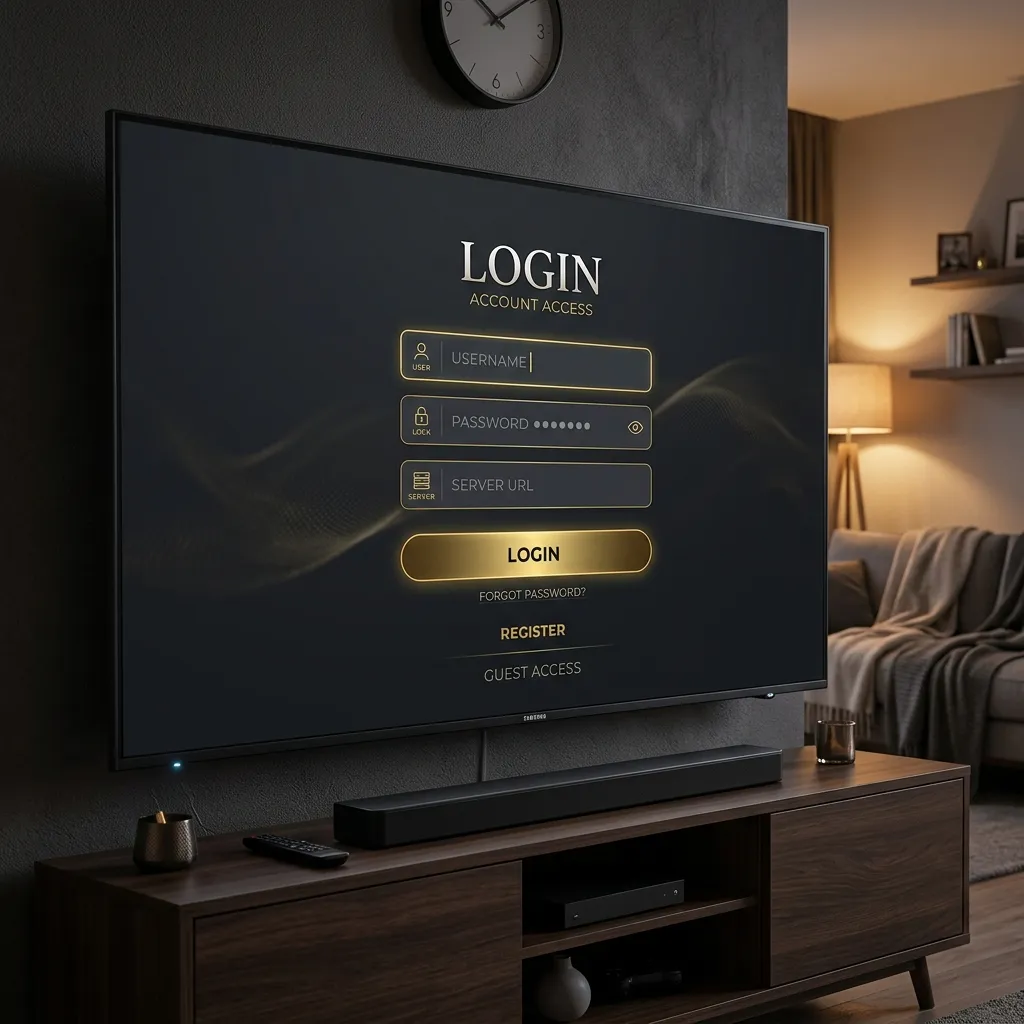
Figure 1: IPTV Smarters Pro zapping interface for live TV and movie libraries.
At Ghost IPTV, our premium subscription playlists are fully compatible with IPTV Smarters Pro. Our network uses high-speed edge servers and secure CDN routing to deliver native 4K streams directly to the Smarters video engine. Whether you are using an Amazon Firestick, Apple TV, Android phone, or Smart TV, this iptv smarters tutorial is designed to provide you with all the necessary installation commands, configuration values, and performance tweaks to unlock a buffer-free viewing experience.
Why IPTV Smarters Pro is the Global Favorite
IPTV Smarters Pro is developed by WHMCS Smarters and has become the global standard for IPTV players. The app is favored by millions of users due to its robust feature list and simplicity. First, it features a native, built-in zapping player engine powered by VLC and ExoPlayer. This means it has built-in hardware decoding for virtually all major video formats, including H.265 (HEVC), and does not require you to install external media players. Second, it supports the Xtream Codes API connection method, which dynamically parses your provider's channel list, EPG data, and VOD files into organized folders.
Third, the app is packed with advanced features. These include a 'Master Search' bar that scans your entire subscription library instantly, parental controls to lock mature categories, support for external players (like MX Player), an Electronic Program Guide (EPG) parser, and a 'Multi-Screen' layout that lets you stream up to four channels simultaneously on a single screen. Best of all, the core application is free to download and use on all major operating systems.
How to Sideload & Install IPTV Smarters on Firestick
Because Amazon does not host IPTV players directly on the official Amazon Appstore, you must sideload the application onto your Firestick. This is a safe and common process that takes less than five minutes. Follow these precise steps:
1. Enable Sideloading (Developer Options): Go to the Firestick Home Screen, navigate to the Gear icon (Settings) on the far right, and select 'My Fire TV'. Click on 'About'. Highlight your device name (e.g., Fire TV Stick 4K) and press the Select button on your remote exactly 7 times. A notification will appear saying 'You are now a developer'. Press the back button once, enter the newly revealed Developer Options, select 'Install Unknown Apps', and make sure it is turned ON for the Downloader application.
2. Download Downloader App: If you do not have it, search for 'Downloader' on the Firestick Home Screen. Select the orange icon, download and install it. Open the app and grant permission to access files when prompted.
3. Download IPTV Smarters Pro: Launch the Downloader app and highlight the URL search bar. Type in the official shortcode for IPTV Smarters Pro: 794101 (or enter the direct URL `https://iptvsmarters.com/smarters.apk`) and click 'Go'. The APK file will download, and a prompt will ask you to install it. Click 'Install' in the bottom right, then click 'Done'. Finally, click 'Delete' twice on the Downloader prompt to remove the installation file and free up your Firestick's internal storage.
Downloading IPTV Smarters on Other Devices
One of the greatest benefits of IPTV Smarters Pro is its cross-device compatibility. Unlike Android-exclusive players, you can install Smarters on almost any screen in your house:
• Android Phones & TV Boxes: Open the Google Play Store, search for 'IPTV Smarters Pro', and install it directly. Alternatively, you can download the APK file directly from the official website using a web browser. • Apple TV 4K, iPhones & iPads: Search for 'Smarters Player Lite' in the Apple App Store. Apple occasionally removes the 'Pro' variant, but 'Smarters Player Lite' is the official version developed by the same team and uses the exact same backend engine and layout. • Samsung & LG Smart TVs: Turn on your Smart TV, open the Samsung App Store (Tizen OS) or the LG Content Store (webOS), search for 'IPTV Smarters Pro' or 'Smarters Player', and download it directly to your TV.
Step-by-Step Tutorial: Connecting via Xtream Codes API
Once the application is installed, launch it. You will be presented with a terms of service page; click 'Accept'. On the next screen, you will be prompted to select a login method. While Smarters supports M3U URLs, we strongly advise against it because typing a 100-character URL with a TV remote is frustrating, and M3U files do not sync EPG data reliably. Instead, select 'Login with Xtream Codes API', which is faster and more secure. Enter these credentials:
• Playlist Name: Ghost IPTV • Username: (Enter the username provided in your welcome email) • Password: (Enter the password provided in your welcome email) • Server URL: `http://ghostiptv.store:8080`
Click 'Add User'. IPTV Smarters will connect to our US-based edge servers and begin importing your channels, movies, and EPG guide data. This zapping database import takes approximately 20-30 seconds. Once completed, select your user profile to access the main block-based dashboard.
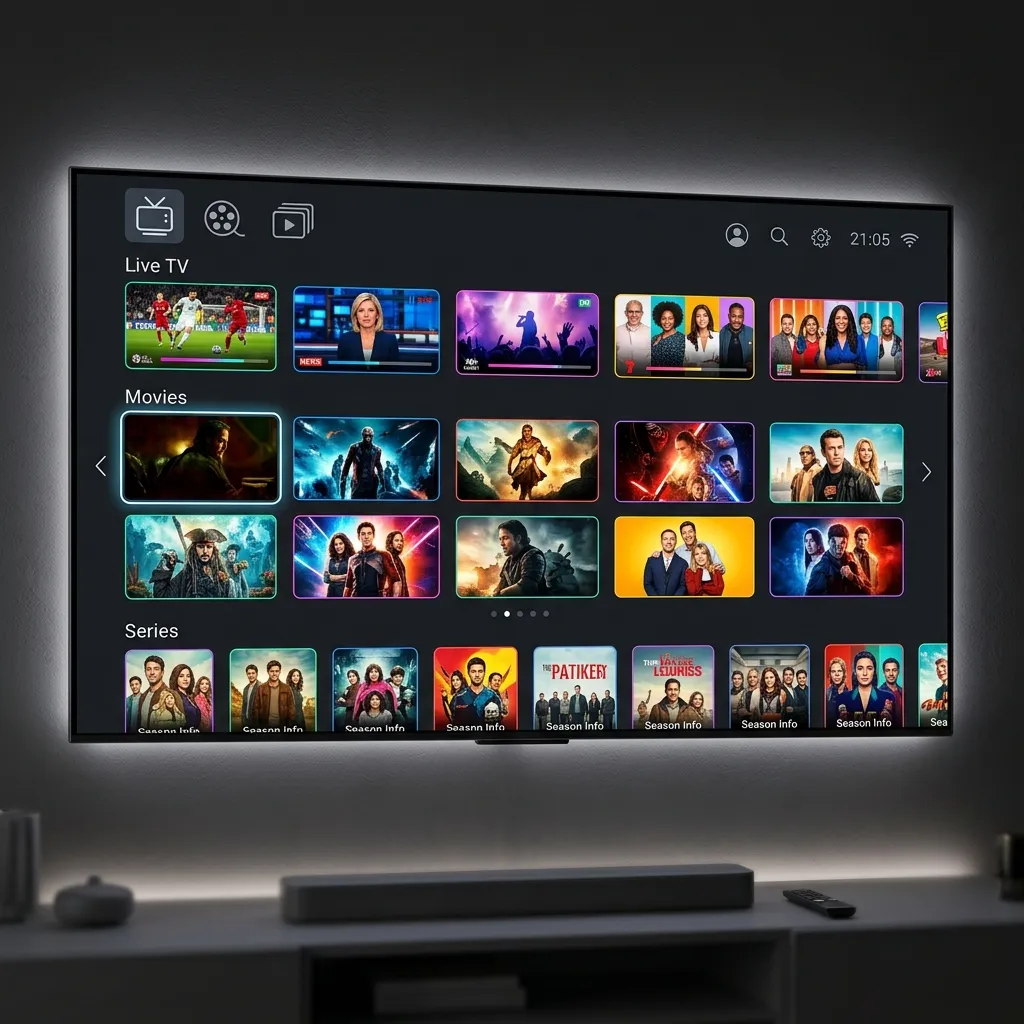
Figure 2: Configuring Server URL and Xtream Codes details inside IPTV Smarters Pro.
Optimizing IPTV Smarters Pro Settings for Peak Performance
To guarantee a buffer-free zapping experience on native 4K streams, apply these simple settings optimizations inside the app. First, go to Settings (Gear Icon) on the top right. Select 'Player Settings' and change the zapping engine from 'Software Decoder' to 'Hardware Decoder'. This instructs the application to route the video stream directly to your Firestick or TV's hardware processor, reducing CPU load. Second, go to Settings > Stream Format and select 'm3u8' (HLS) instead of 'ts'. HLS format is significantly better at handling minor network fluctuations, preventing buffering. If you still encounter freezing issues on a Firestick, read our dedicated Firestick IPTV Buffering Fix Guide for advanced network adjustments. Alternatively, you can read our comparison of TiviMate vs IPTV Smarters Pro to see if TiviMate is a better fit.
Conclusion: Start Streaming Buffer-Free Today
IPTV Smarters Pro is the ultimate gateway to premium home entertainment. By following this setup guide and logging in with your Xtream Codes API credentials, you gain access to 35,000+ live TV channels, premium sports, and massive VOD libraries in stunning 4K and HD quality. Visit our Subscription Plans Page to secure your premium account today. If you need any assistance during the setup process, our engineers are available 24/7 via WhatsApp Support to help you get connected instantly.
Frequently Asked Questions
What is the Server URL for IPTV Smarters Pro?
The official Server URL for Ghost IPTV is `http://ghostiptv.store:8080`. Enter this along with your unique Username and Password in the Xtream Codes login screen to connect to our high-speed edge servers.
How do I install IPTV Smarters Pro on an Amazon Firestick?
Since it is not in the Amazon Appstore, you must enable 'Developer Options' under My Fire TV Settings, install the 'Downloader' app, and enter the shortcode **794101** to download and install the official APK file directly.
Why am I getting an 'Invalid Details' error in IPTV Smarters?
This error occurs if there is a typo in your Username, Password, or Server URL. Ensure there are no leading or trailing spaces, check the capitalization, and verify that your Server URL is entered exactly as `http://ghostiptv.store:8080`.
Is IPTV Smarters Pro free to use?
Yes. The core zapping and streaming functions of IPTV Smarters Pro are completely free. However, they offer a premium upgrade in the app that unlocks features like multi-screen viewing, zapping history, backup/restore, and removes ads.
Can I watch movies and TV shows on IPTV Smarters Pro?
Yes. When logging in via the Xtream Codes API, IPTV Smarters Pro automatically syncs your provider's complete Video-on-Demand (VOD) catalog, organizing it into dedicated 'Movies' and 'Series' folders for on-demand streaming.
Related Guides
Experience Zero-Buffering 4K IPTV Today
Join over 250,000 satisfied cord-cutters in the USA. Setup takes less than 5 minutes on your Firestick, Smart TV, or Apple TV.
5-Min Delivery
Instant Credentials
24/7 Live Support
WhatsApp Concierge
35K+ Channels
Native 4K & VOD
99.97% Uptime
No Buffering CDN
Compatible with: Amazon Firestick, TiviMate, Android TV, Smart TV (Samsung/LG), Apple TV 4K, MAG, and smartphones.