The Best IPTV Device for 4K Streaming in 2026: Hardware Guide
For cord-cutters looking to enjoy premium live TV and video-on-demand content, selecting a high-speed streaming device is absolutely vital. While having a high-bandwidth fiber connection and a subscription to a premium provider are critical, your hardware is the final piece of the puzzle. Streaming live 4K channels involves decoding massive files compressed with advanced video codecs like H.265 (HEVC). If your streaming device has an outdated processor or insufficient RAM, it will struggle to process the stream in real-time, resulting in lag, audio desync, or constant buffering. In this guide, we will evaluate the market to help you find the best iptv device for 4k streaming that delivers a smooth, cinema-grade experience.
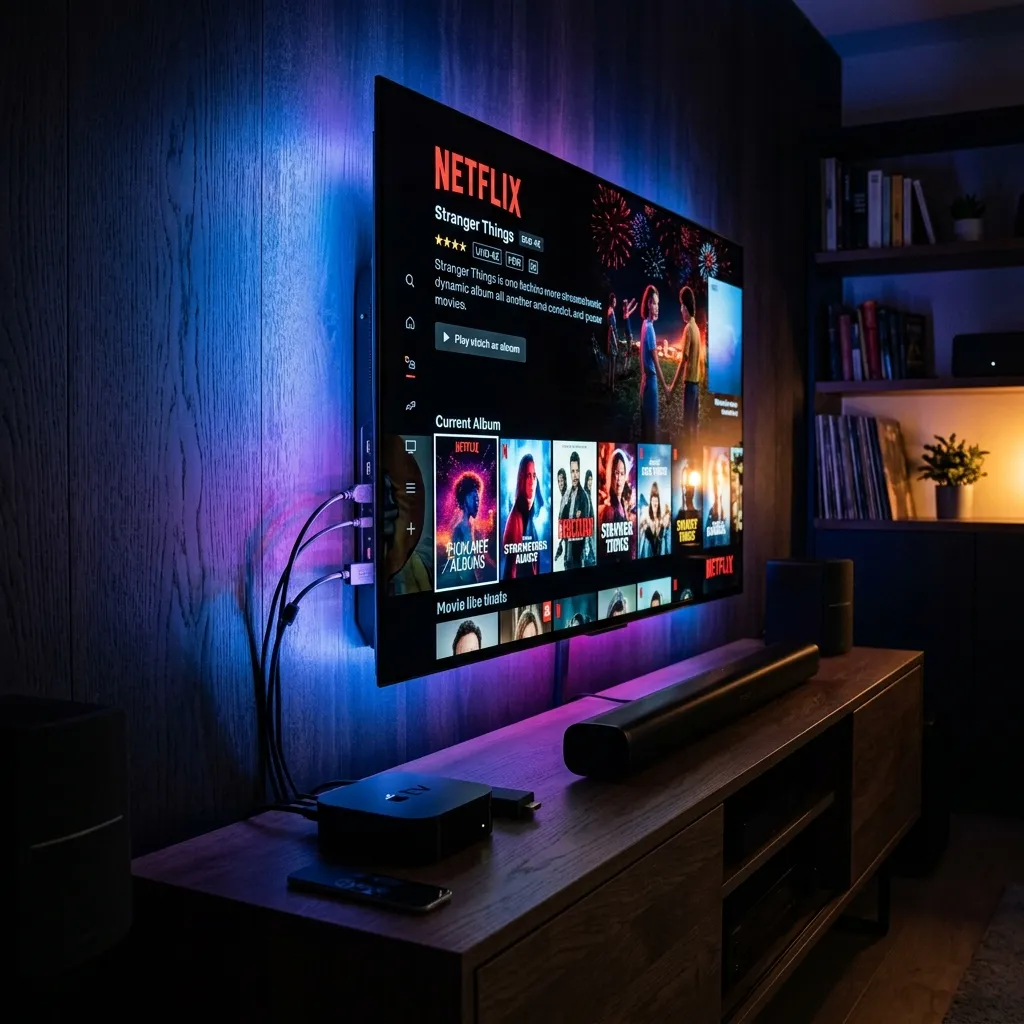
Figure 1: Streaming premium live feeds in native 4K resolution on a high-spec media player.
At Ghost IPTV, our distributed CDN edge servers feed ultra-high-definition content to thousands of US households daily. However, we consistently find that user experience differs dramatically depending on the client device. A low-spec budget TV box will often drop frames on 60fps sports streams, while a top-tier media box zaps instantly and renders channels buffer-free. Let's break down the technical requirements of modern streaming hardware and rank the top contenders to determine the absolute best device for iptv zapping on the market today.
Why Hardware Specifications Matter for 4K IPTV
Unlike standard streaming apps (like Netflix or YouTube) which utilize heavy pre-buffering to smooth out playback, live IPTV channels stream in real-time. This means your device must download, decode, and render the video packets instantly as they arrive. To do this without stuttering, your device requires two key components: a powerful GPU with native H.265 (HEVC) hardware decoding, and at least 2GB of RAM to cache the channel lists and Electronic Program Guide (EPG). If your device lacks these specs, loading a playlist of 30,000 channels will cause the application to crash or stutter.
Additionally, local network capabilities are crucial. A 4K stream requires a consistent bandwidth of at least 25 to 50 Mbps. To ensure this data rate is maintained, the best IPTV device for 4K streaming should support dual-band Wi-Fi (ideally Wi-Fi 6 or 6E) or feature a physical Ethernet port. Hardwiring your device directly to your router completely eliminates the wireless interference and dropouts that plague congested apartment complexes and large homes.
Nvidia Shield TV Pro: The Undisputed King
For serious home theater enthusiasts, the Nvidia Shield TV Pro remains the gold standard. Powered by the incredibly fast Tegra X1+ processor and equipped with 3GB of RAM and 16GB of flash storage, the Shield TV Pro handles massive playlists with ease. What sets it apart is its proprietary AI-powered 4K upscaling technology. This feature analyzes standard 720p or 1080p sports broadcasts in real-time and intelligently sharpens the image to near-4K quality, making live football and basketball games look spectacularly crisp.
Furthermore, the Shield TV Pro runs on Android TV OS, which means it supports sideloading and is fully compatible with zapping players like TiviMate Premium. It also features a native Gigabit Ethernet port, dual USB 3.0 ports for connecting external recording drives, and full support for Dolby Vision HDR and Dolby Atmos audio. The only drawback is its price point, which is significantly higher than stick-format devices. However, if you want zero compromise and the fastest zapping speeds, it is worth every cent.
Firestick vs Apple TV IPTV: The Heavyweight Battle
For the majority of consumers, the choice comes down to a battle of firestick vs apple tv iptv zapping. Both devices are incredibly popular, but they approach streaming from two completely different angles:
Apple TV 4K: From a hardware performance standpoint, the Apple TV 4K is an absolute beast. Equipped with Apple's A15 Bionic chip (the same processor used in iPhones), the Apple TV features a fluid UI, instant app loading, and stellar graphic rendering. Its video engine decodes high-bitrate 4K streams effortlessly. However, because Apple maintains a strictly closed App Store, you cannot sideload third-party apps, meaning you cannot run Android-exclusive players like TiviMate. Instead, you must rely on App Store players like iPlayTV or IPTV Smarters Pro. For more details on tvOS players, check out our Apple TV IPTV Players Guide.
Amazon Fire TV Stick 4K Max: The Firestick 4K Max is the most popular budget-friendly IPTV hardware in the world. It runs on Fire OS (a modified version of Android), which makes it extremely sideload-friendly. It allows you to download the Downloader app and install TiviMate or IPTV Smarters Pro in minutes. It supports Wi-Fi 6E, H.265 decoding, and costs a fraction of the Apple TV. The trade-off is performance: with a weaker processor and only 2GB of RAM, the Firestick interface can feel cluttered and sluggish over time, and zapping times are slightly slower than the Apple TV.
Budget Contenders: Chromecast and Roku
If you want a simple and affordable device, the Chromecast with Google TV 4K is a fantastic alternative to the Firestick. It runs on a clean, ad-free Google TV interface, supports native sideloading, and is fully compatible with TiviMate. It zaps quickly and supports high-bitrate 4K streams, making it a favorite for budget-conscious cord-cutters.
On the other hand, we generally advise against using Roku hardware for IPTV. Roku operates on a closed proprietary operating system that actively blocks third-party zapping players and M3U playlist parsers. While there are a few complicated workarounds (such as using web-receiver apps or screen casting), the setup is complex and unstable. If you currently own a Roku and want to set it up, you can reference our detailed Roku IPTV Setup Guide for step-by-step instructions, but upgrading to a Firestick or Chromecast is highly recommended.
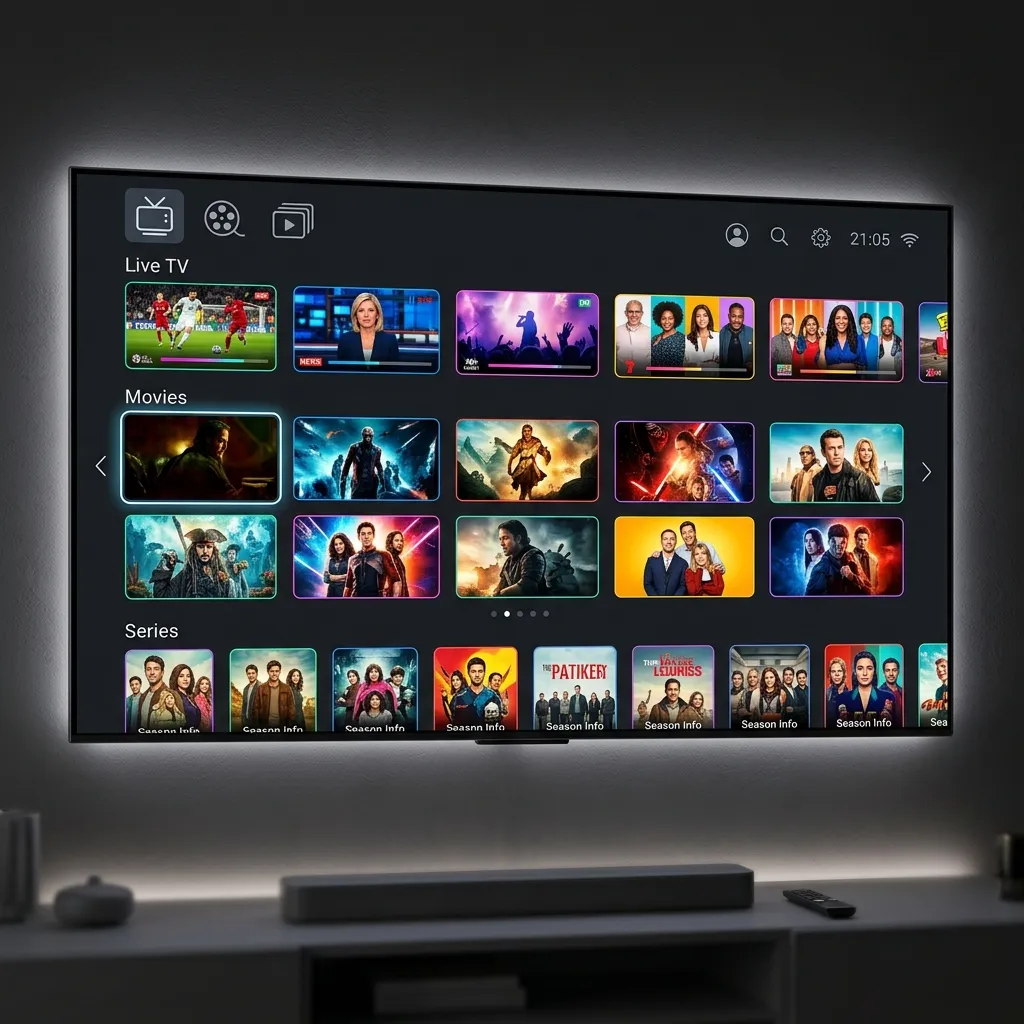
Figure 2: Selecting the right player hardware to enjoy smooth zapping rates.
Conclusion: Make Your Choice and Start Streaming
To summarize: if you want the absolute best IPTV device for 4K streaming with zero compromises, buy the Nvidia Shield TV Pro. If you are heavily invested in the Apple ecosystem and want a fluid UI, the Apple TV 4K is an excellent choice. For the best balance of price, sideload compatibility, and features, the Fire TV Stick 4K Max is the undisputed value king. Once you have selected your hardware, head over to our Subscription Plans Page to secure your premium account, or contact our engineering support team via WhatsApp Support to get set up with a free 24-hour trial link.
Frequently Asked Questions
What is the best IPTV device for 4K streaming in 2026?
The Nvidia Shield TV Pro is the best overall IPTV device due to its powerful Tegra X1+ processor, native Gigabit Ethernet, AI 4K upscaling, and compatibility with the TiviMate player. The Fire TV Stick 4K Max is the best budget value choice.
Which is better for IPTV: Firestick or Apple TV?
The Apple TV 4K has superior hardware performance, speed, and UI smoothness. However, the Firestick is more flexible because it runs on Fire OS, which allows you to sideload TiviMate, which is widely considered the best IPTV player available.
Can I watch 4K IPTV on a Roku device?
Roku devices do not natively support IPTV apps because of Roku's closed ecosystem. While you can use temporary workarounds, the setup is complex and unreliable. We highly recommend switching to a Firestick, Chromecast, or Android TV box.
Do I need an Ethernet port for 4K streaming?
While Wi-Fi 6 can handle 4K streaming, a physical Ethernet connection is highly recommended. Hardwiring your device eliminates wireless interference, channel congestion, and packet drops, guaranteeing a stable, buffer-free stream.
How much RAM is recommended for IPTV streaming?
We recommend a streaming device with at least 2GB of RAM. Devices with 1GB or less of RAM will struggle to cache large channel lists and Electronic Program Guide (EPG) databases, leading to crashes and sluggish navigation.
Related Guides
Experience Zero-Buffering 4K IPTV Today
Join over 250,000 satisfied cord-cutters in the USA. Setup takes less than 5 minutes on your Firestick, Smart TV, or Apple TV.
5-Min Delivery
Instant Credentials
24/7 Live Support
WhatsApp Concierge
35K+ Channels
Native 4K & VOD
99.97% Uptime
No Buffering CDN
Compatible with: Amazon Firestick, TiviMate, Android TV, Smart TV (Samsung/LG), Apple TV 4K, MAG, and smartphones.