IPTV Smarters Pro Setup & Configuration: The Complete Universal Guide
IPTV Smarters Pro is globally recognized as the most versatile, user-friendly, and compatible IPTV application. Available on almost every major operating system, including Android, iOS, Windows, macOS, Amazon Fire OS, and select Smart TV platforms (Samsung and LG), it has become the default choice for millions of streaming enthusiasts. The software serves as a player shell, allowing you to organize your live TV channels, movies, and TV series into a clean, modern, and navigable interface.
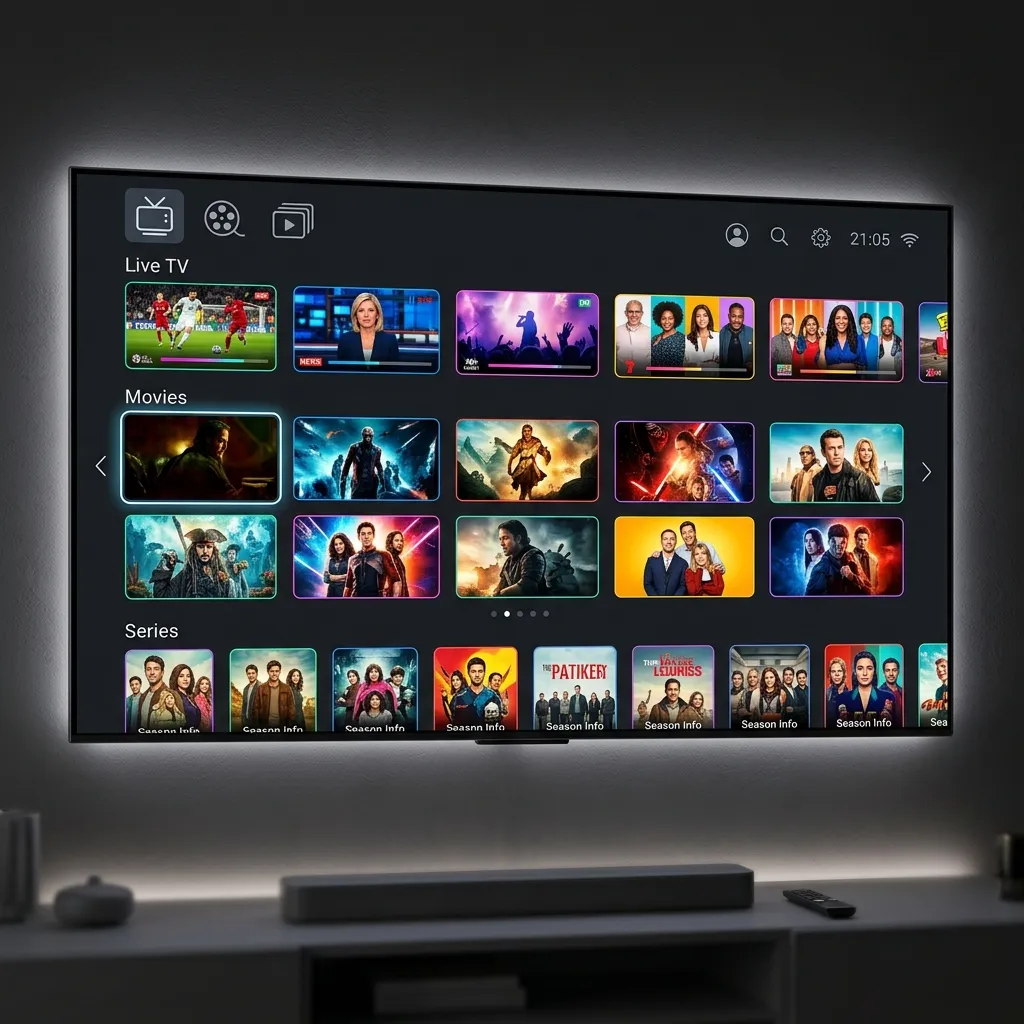
Figure 1: Preparing to load credentials on IPTV Smarters Pro
When configured correctly with Ghost IPTV Homepage's premium subscription, IPTV Smarters Pro turns your device into an entertainment powerhouse. It supports features like Catch-up TV (recording), parental controls, external player integration, and Electronic Program Guides (EPG). In this guide, we will provide step-by-step instructions on how to install and set up IPTV Smarters Pro on Amazon Firestick, Android devices, and Smart TVs. For TiviMate alternatives, read our TiviMate setup tutorial.
How to Install IPTV Smarters Pro on Amazon Firestick
Because the full version of IPTV Smarters Pro is currently not hosted in the Amazon Appstore, you must sideload it using the Downloader app. First, go to Settings -> My Fire TV -> Developer Options (or click About -> Device Name 7 times to enable it). Select 'Install Unknown Apps' and ensure Downloader is turned ON. Next, launch Downloader, click the URL bar, and type the direct APK code for IPTV Smarters Pro: 794101 (or enter the URL `https://www.iptvsmarters.com/smarters.apk`) and press Go. Once the APK finishes downloading, click 'Install' and then click 'Done'. Delete the temporary installation file to save device storage.
Figure 2: Loading streams across various screen sizes
How to Install IPTV Smarters Pro on Android Devices
Setting up IPTV Smarters Pro on Android phones, tablets, or TV boxes (like NVIDIA Shield or Xiaomi Mi Box) is incredibly simple. Open the Google Play Store, search for 'IPTV Smarters Pro' (or 'Smarters Player Lite'), and click Install. The app is officially hosted on Google Play, meaning it is verified and receives automatic security updates.
How to Install on Samsung and LG Smart TVs
One of the major benefits of IPTV Smarters Pro is its availability on select Smart TV app stores. If you own a Samsung Smart TV (running Tizen OS) or an LG Smart TV (running webOS), you do not need any external streaming sticks. Simply turn on your TV, open the Samsung App Store or LG Content Store, search for 'IPTV Smarters' (or 'Smarters Player'), and install it directly to your TV dashboard.
Figure 3: IPTV Smarters Pro primary menu dashboard categories
Step-by-Step Configuration via Xtream Codes API
Once you launch the app, you will be presented with a terms of service agreement. Accept it, and you will reach the 'List of Playlists' screen. Select 'Login with Xtream Codes API'. This is the recommended connection method because it manages EPG and VOD categories automatically. Enter the following details exactly as provided in your Ghost IPTV email:
1. Playlist Name: Type `Ghost IPTV`. 2. Username: Enter your unique subscription username. 3. Password: Enter your unique subscription password. 4. Server URL: Enter `http://ghostiptv.store:8080`.
Click 'Add User'. The app will establish a connection to our high-speed servers and download the channels database. You will see three buttons on your dashboard: Live TV, Movies, and Series. Click on any section to begin streaming in native 4K and HD quality.
Pro Tip: Switch to External Players for Hardware Acceleration
By default, IPTV Smarters Pro uses a built-in media player. For high-bandwidth 4K video feeds (like UFC PPV streams or 4K sports channels), the built-in engine may struggle on older devices. To optimize performance, download VLC Player or MX Player from your device's app store. Then, inside IPTV Smarters Pro, go to Settings -> Player Settings, change the selection from 'Built-in Player' to 'Hardware Acceleration', and set your default video player to VLC. This delegates video decoding to your device's GPU, resulting in smoother playback.
Ready to start? Visit our Homepage to check our subscription packages, and select a Premium Subscription Plan to receive your login credentials via email in under 5 minutes. You can also view our Global Channels List to see our extensive selection of sports and entertainment options.
Frequently Asked Questions
Can I use one IPTV Smarters account on multiple devices?
Yes. Ghost IPTV plans support multi-device configurations. Depending on the plan you choose, you can connect multiple devices simultaneously. However, using the same account on more devices than your plan permits will result in connection drops.
Where do I get my IPTV Smarters login credentials?
Your username, password, and server URL will be sent to you via WhatsApp and email immediately after purchasing a subscription on our website. Credentials are typically delivered in less than 5 minutes.
Why is IPTV Smarters Pro showing 'Authorize Error'?
An 'Authorize Error' means the username, password, or server URL was entered incorrectly, or your subscription has expired. Double-check for typos (ensuring no extra spaces) and verify that the server URL is entered exactly as: `http://ghostiptv.store:8080`.
Is IPTV Smarters Pro safe to download on Firestick?
Yes, IPTV Smarters Pro is completely safe to install on Firestick and Android devices. It does not contain any malicious code or trackers. Make sure to download the APK using verified links or official app store listings.
How do I reload my channel list on IPTV Smarters Pro?
If you notice missing channels or updated program guides, go to the IPTV Smarters homepage, click the gear icon in the top right corner for Settings, select 'Refresh Sources', and choose to refresh Live TV, Movies, or EPG data.
Related Guides
Experience Zero-Buffering 4K IPTV Today
Join over 250,000 satisfied cord-cutters in the USA. Setup takes less than 5 minutes on your Firestick, Smart TV, or Apple TV.
5-Min Delivery
Instant Credentials
24/7 Live Support
WhatsApp Concierge
35K+ Channels
Native 4K & VOD
99.97% Uptime
No Buffering CDN
Compatible with: Amazon Firestick, TiviMate, Android TV, Smart TV (Samsung/LG), Apple TV 4K, MAG, and smartphones.